GymFlow
Creative process
Deliverables
- Product strategy & MVP scope
- Information architecture & wireframes
- iOS design system
- App UI & interaction design
- Brand development
- App Store & social launch visuals
01Problem
Everyday gym-goers often track their training in a notes app or from memory. They forget what they lifted last time, can't easily see whether they're getting stronger, and find most tracking apps too complicated, or too loud, to stick with.
02Design goals
Make GymFlow the fastest, clearest way to log a workout: open the app, understand today’s session, log every set in seconds and see real progress. The promise was “Track less. Progress more.” The product had to feel premium, minimal, calm and modern, with energy but without the noise of a typical fitness app.
03Design process
The work started from one persona, Daniel: 27, training three times a week and tracking in Notes. From him came a single core loop: Today → Start workout → Log sets → Complete → View progress → Return. Wireframes and the information architecture were approved first, then turned into a token-based design system. The app was built in small milestones, and each one was reviewed and approved on a physical iPhone before the next began.
04Solution
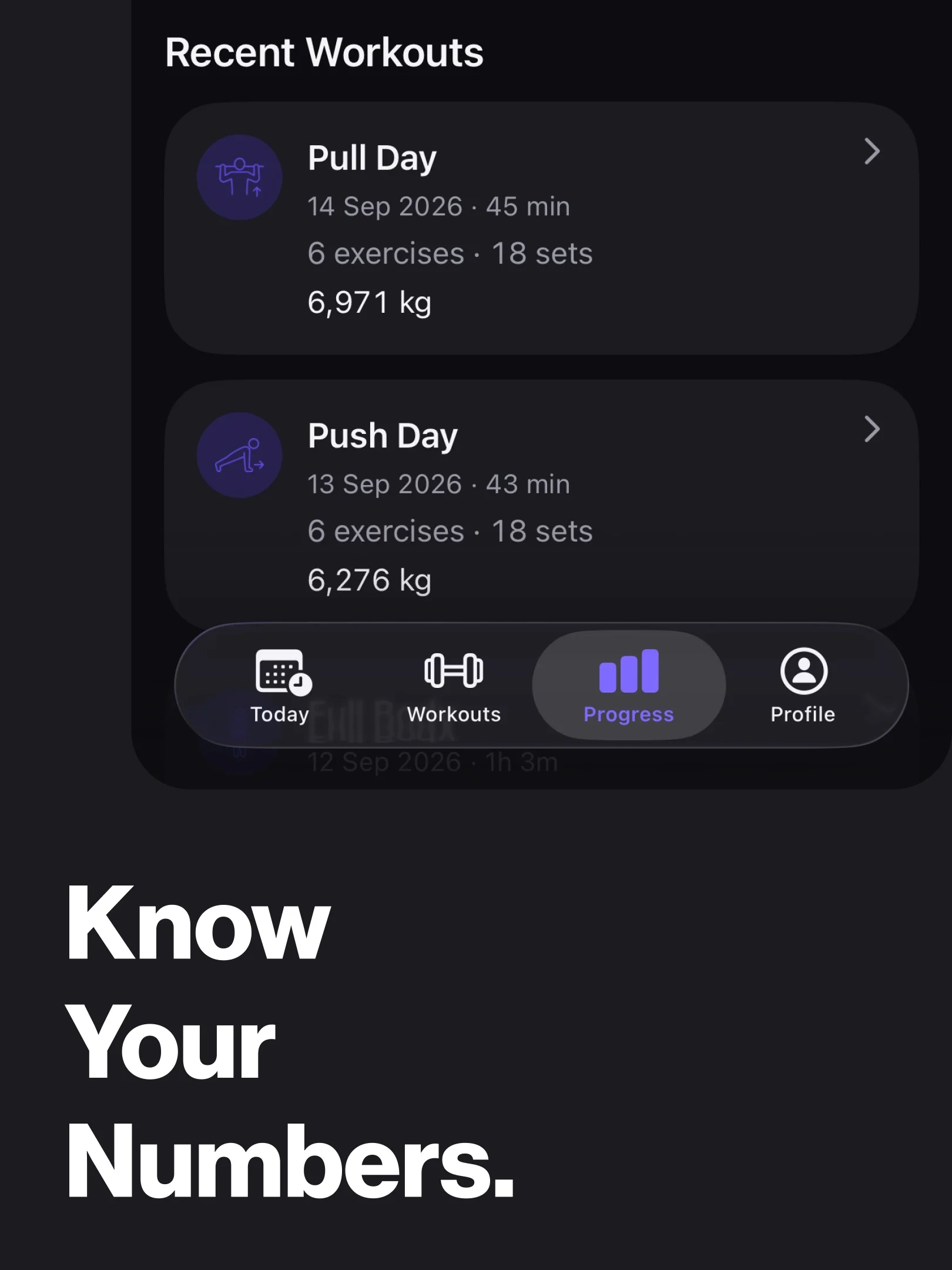
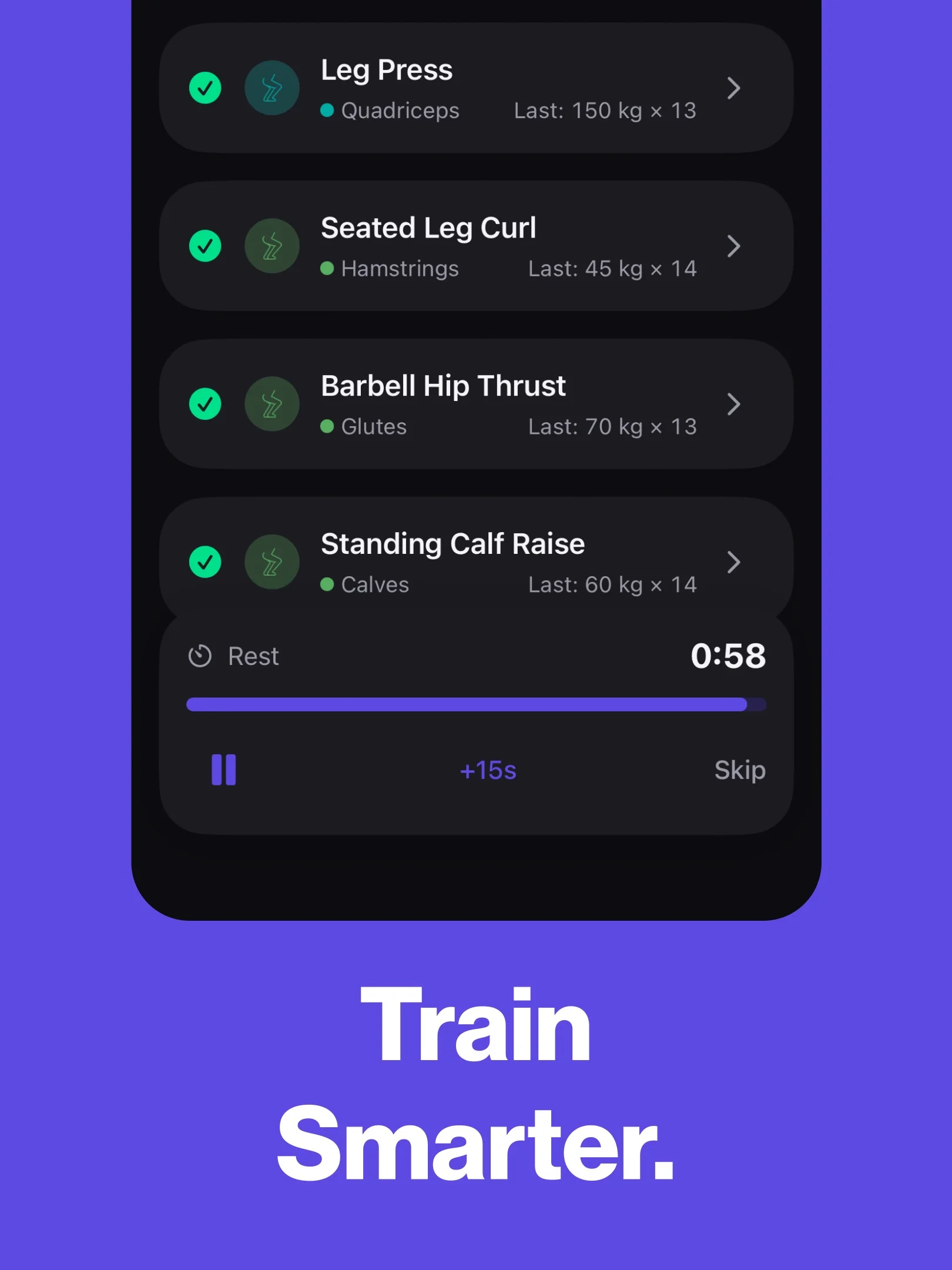
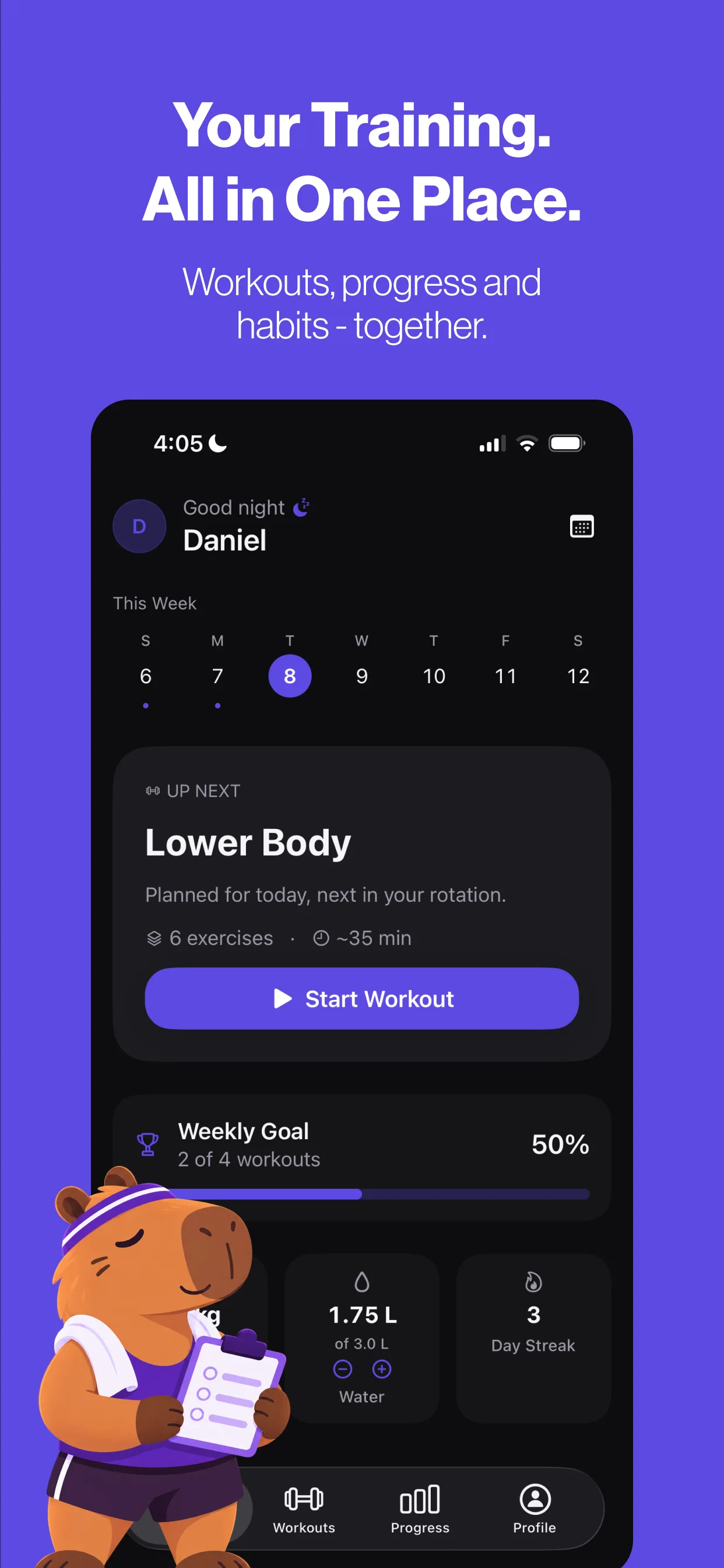
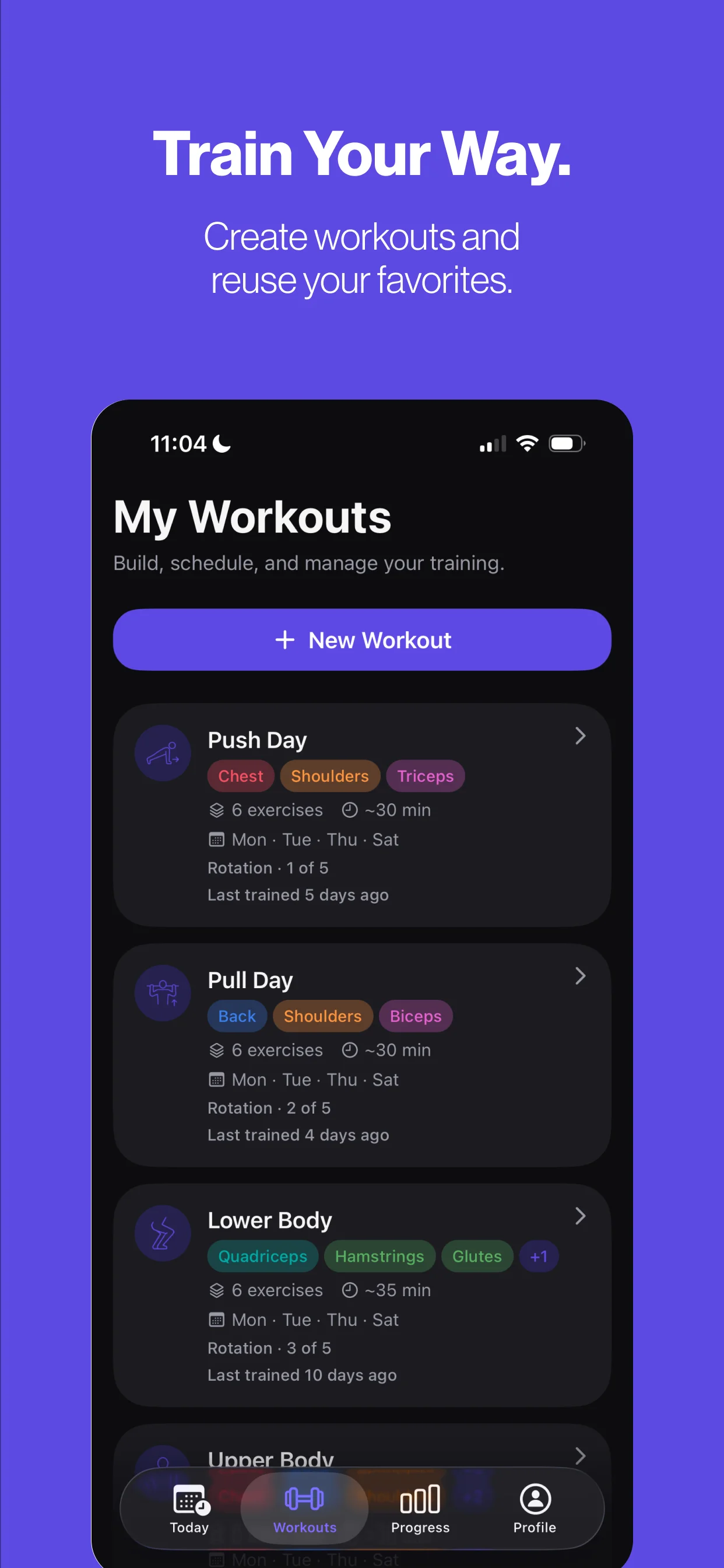
A four-tab app (Today, Workouts, Progress, Profile) built around one dominant action: Start Workout. GymFlow pre-fills each set from your program and your recent performance, saves every set as soon as it’s logged and starts the rest timer automatically. Core tracking works on the device, without an account.
05UI/UX decisions
- One primary action. Start Workout lives on Today; the tab bar is for navigation only.
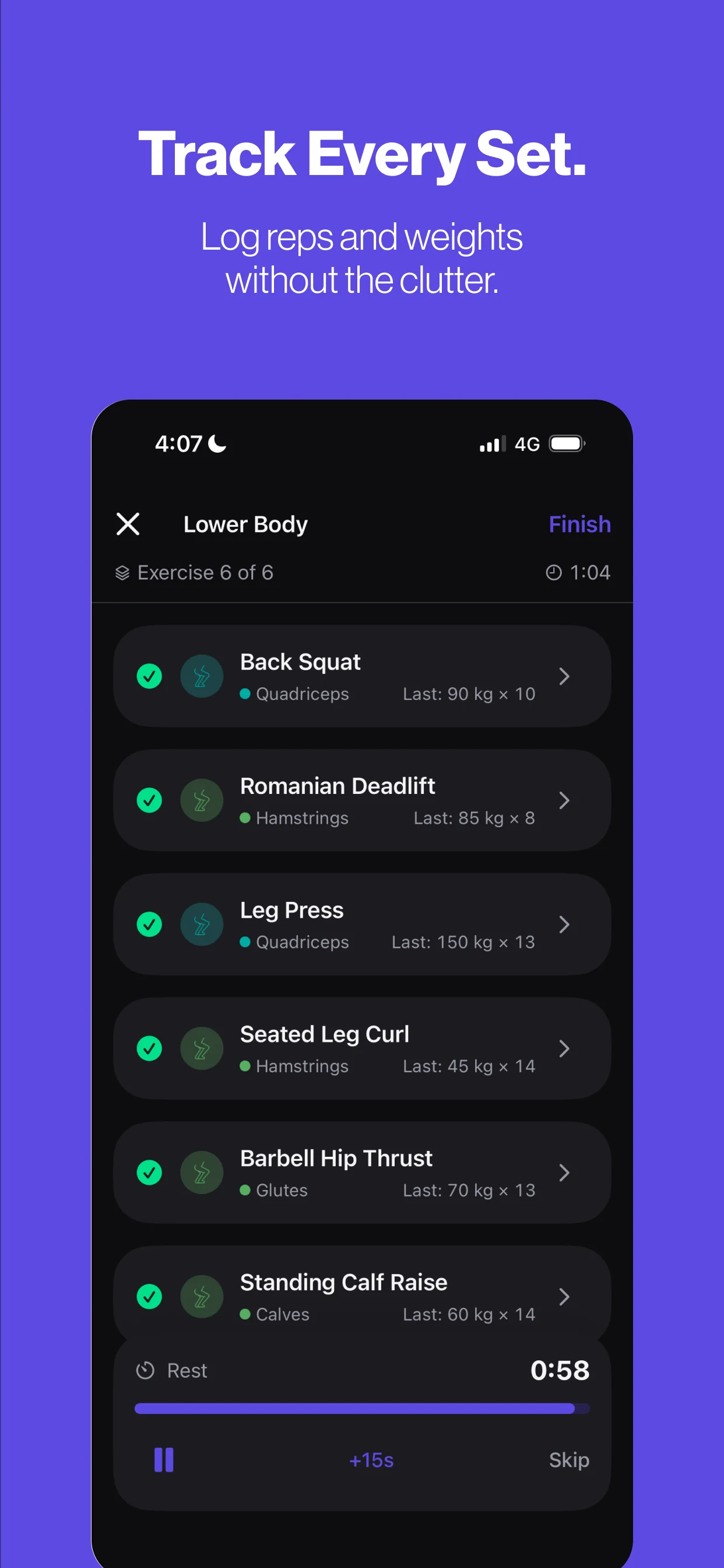
- Context where you need it. Your previous result sits beside each set, so the next target is always in view.
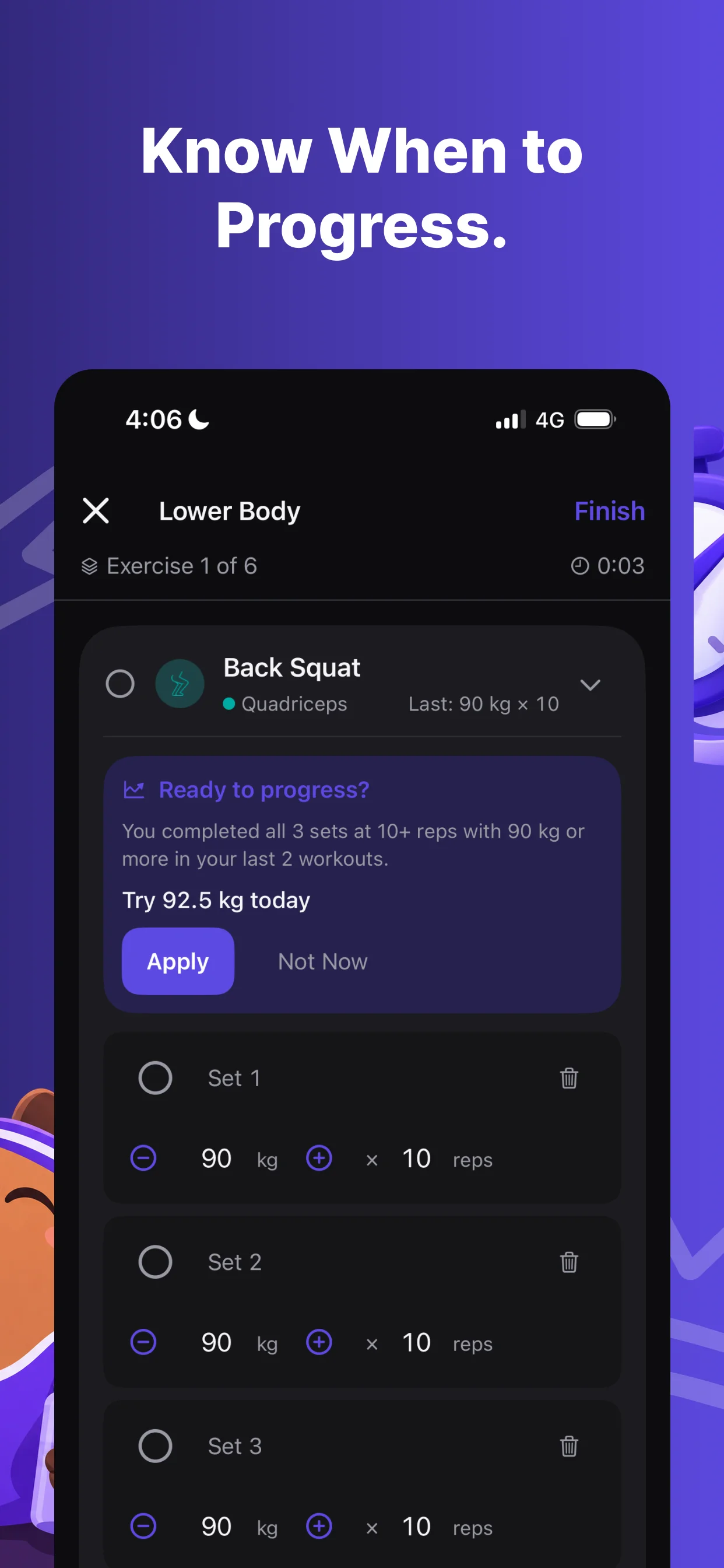
- Suggestions, never automation. Smart Progression, part of GymFlow Pro, looks at your two most recent sessions of an exercise. If every programmed set reached the top of its rep range at the same weight, it suggests +2.5 kg (or +5 lb), shows why, and leaves the choice to you.
- Native iOS feel: the system font with Dynamic Type, SF Symbols, native sheets and haptics, light and dark mode, 44 pt touch targets and VoiceOver labels.
- Glanceable while training. A Live Activity keeps the workout timer and rest countdown on the Lock Screen and in the Dynamic Island.
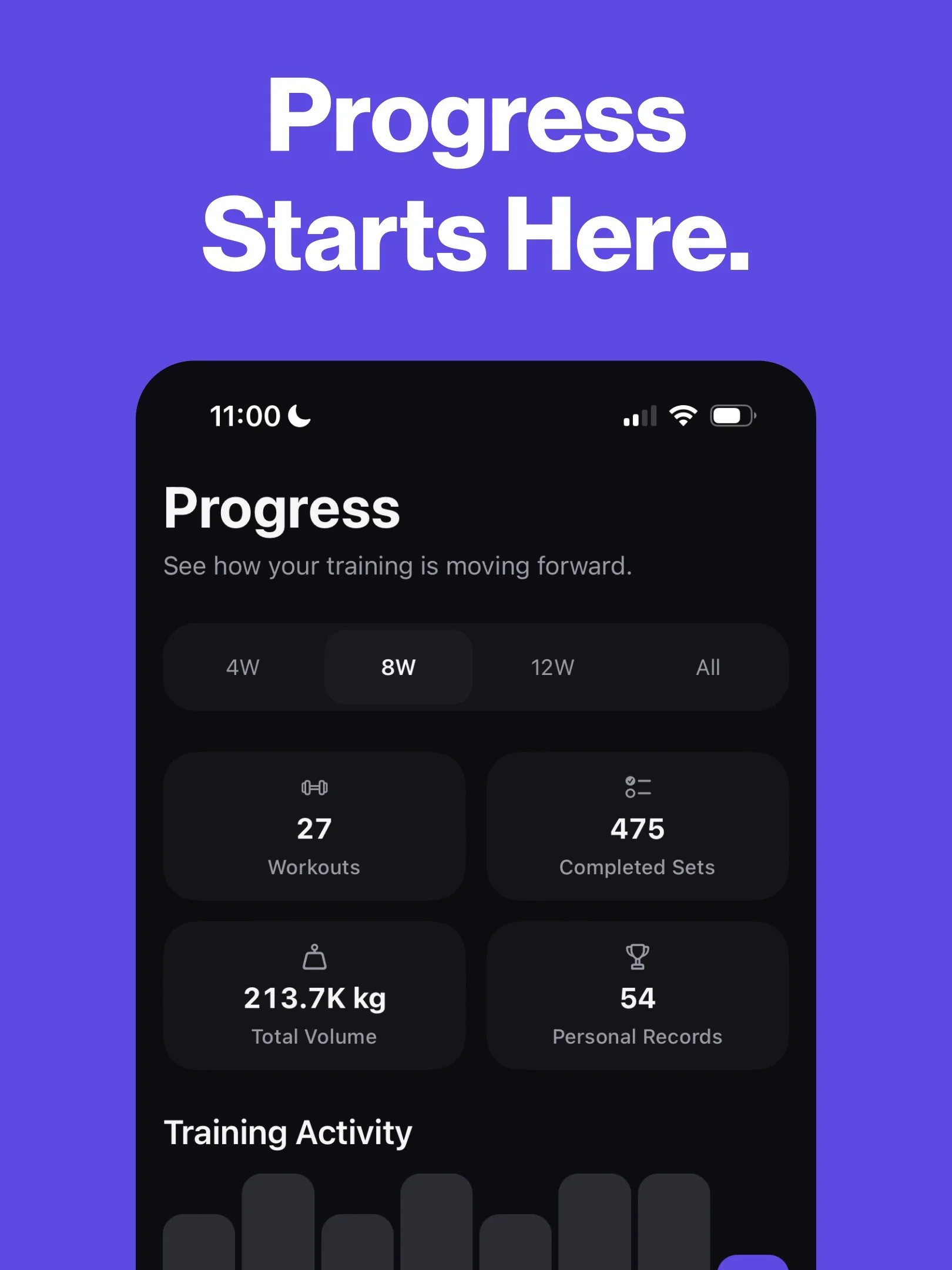
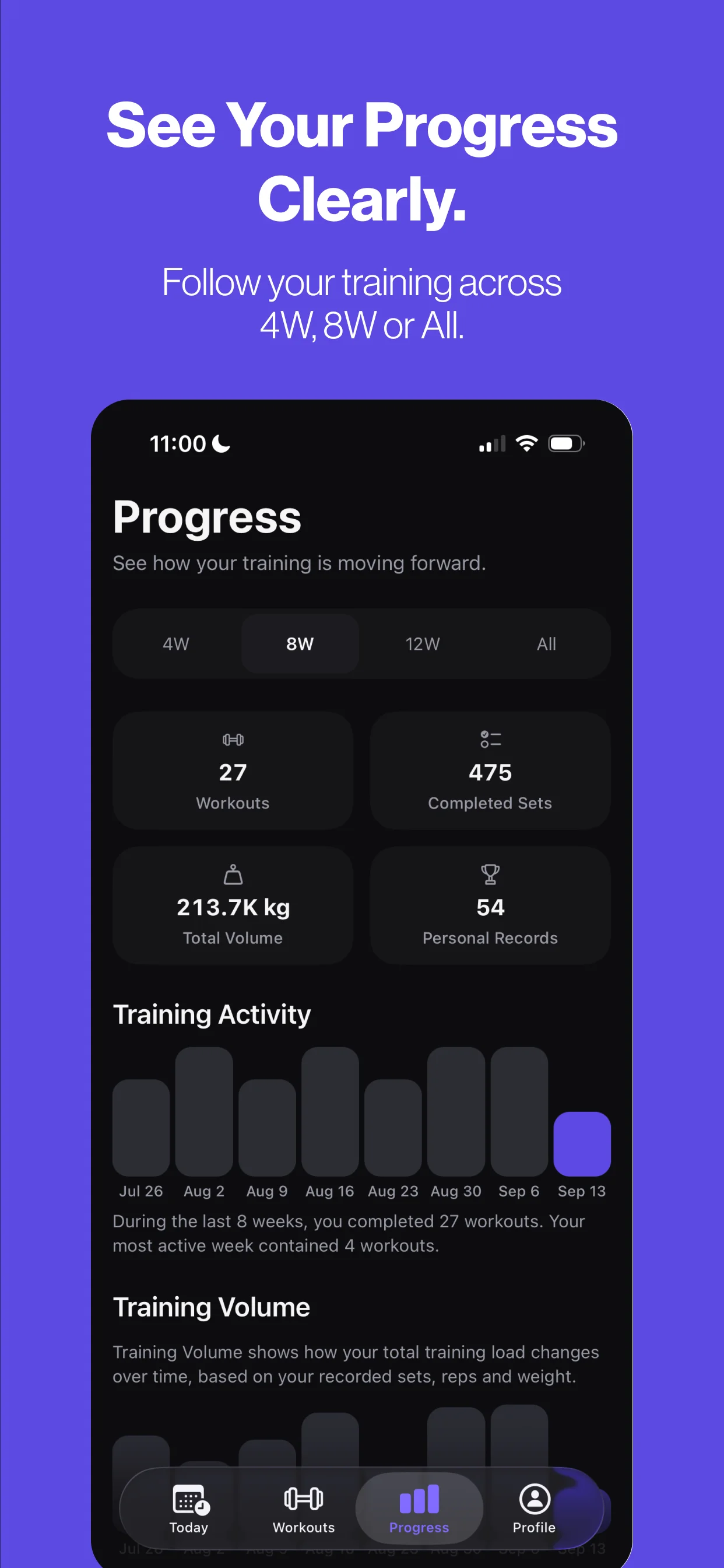
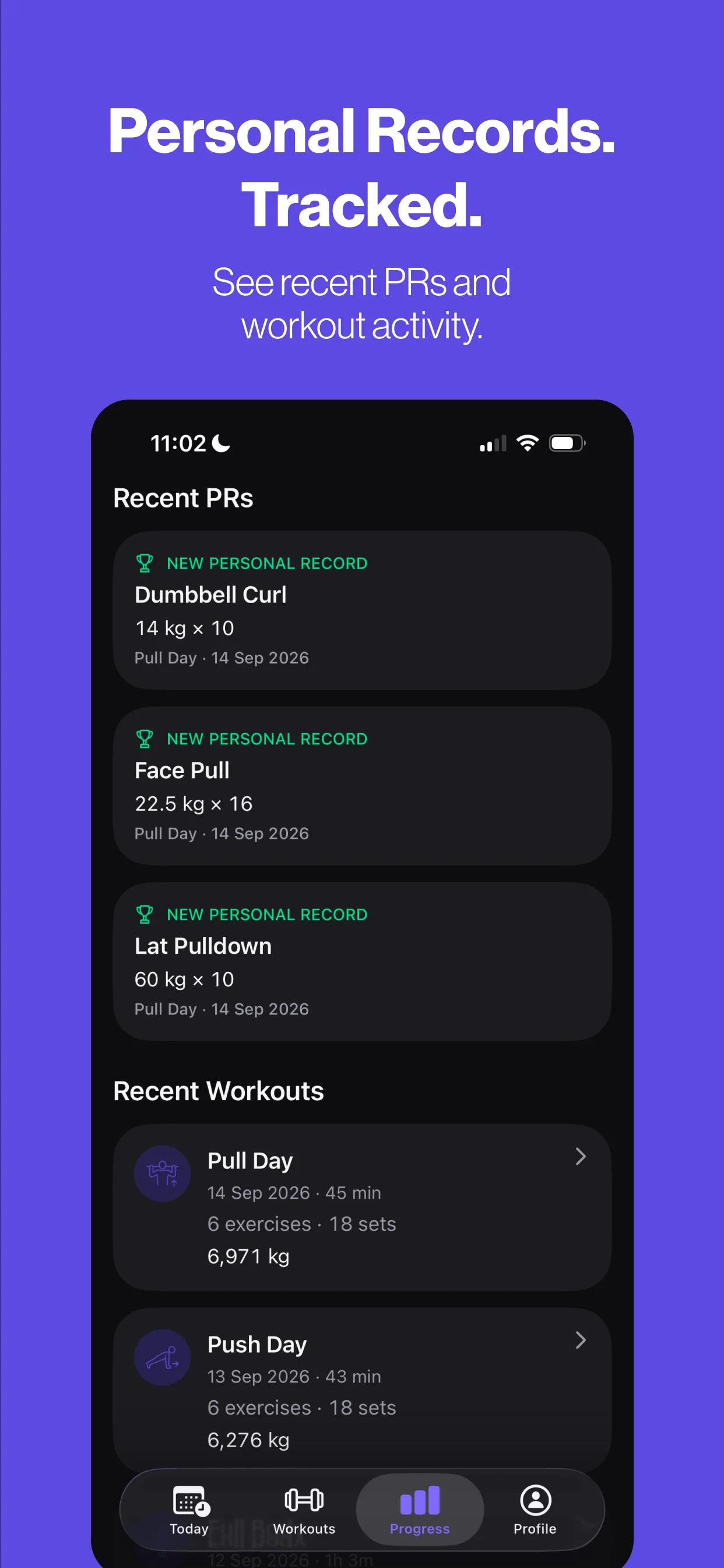
- Readable progress. 4W, 8W, 12W and All-time ranges for activity, training volume and personal records, with a distinct colour for each muscle group in exercise charts.
06Visual system
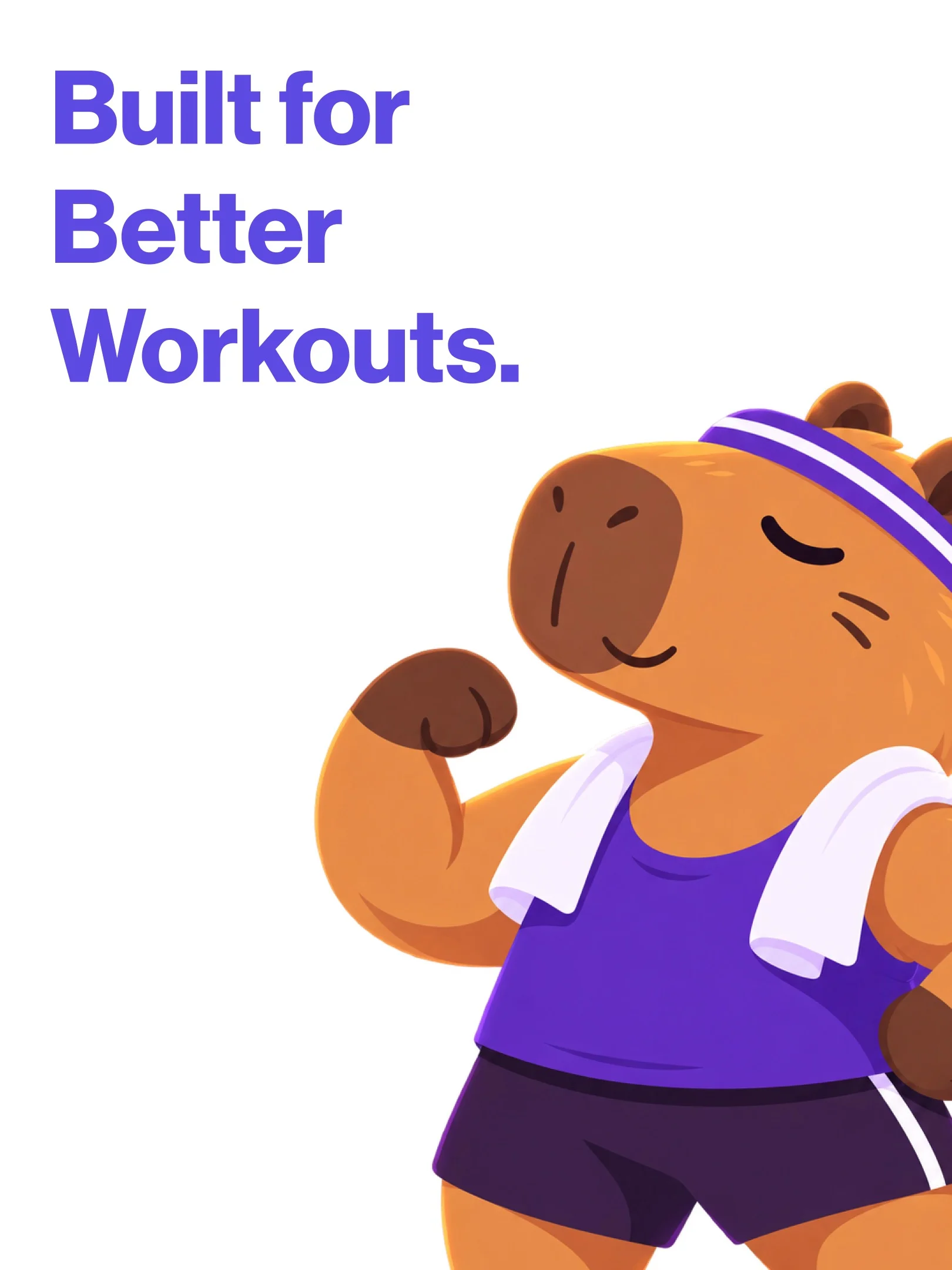
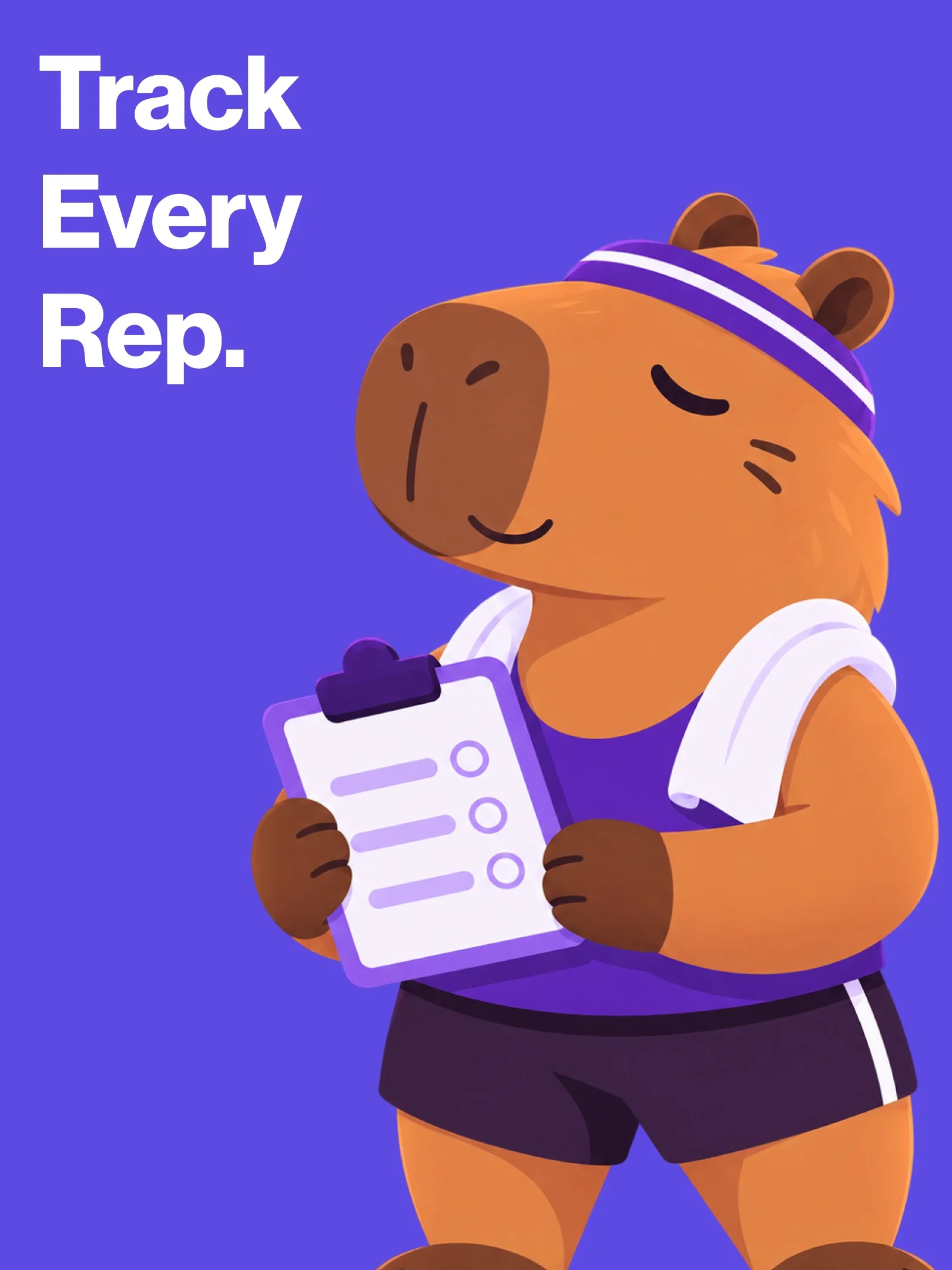
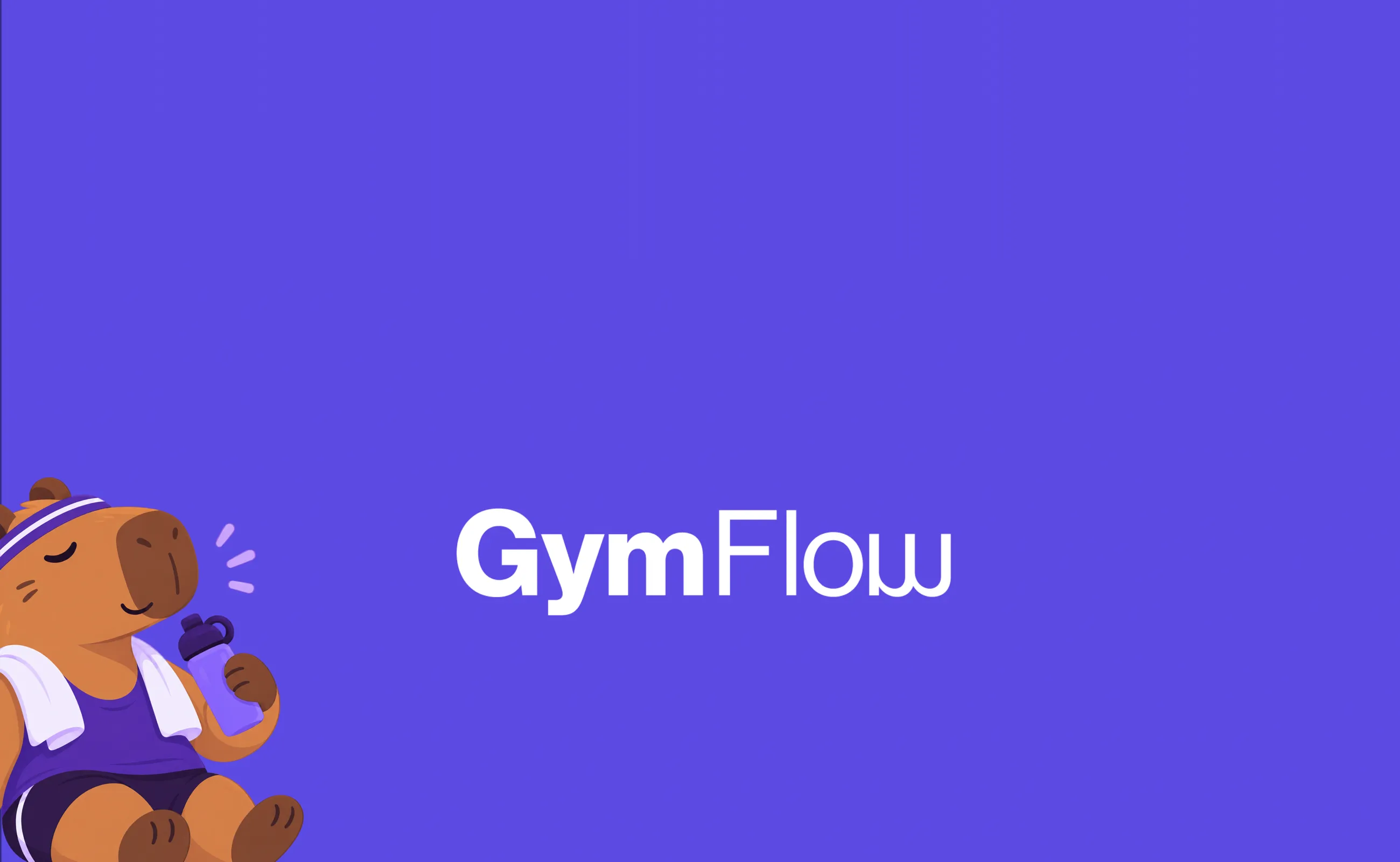
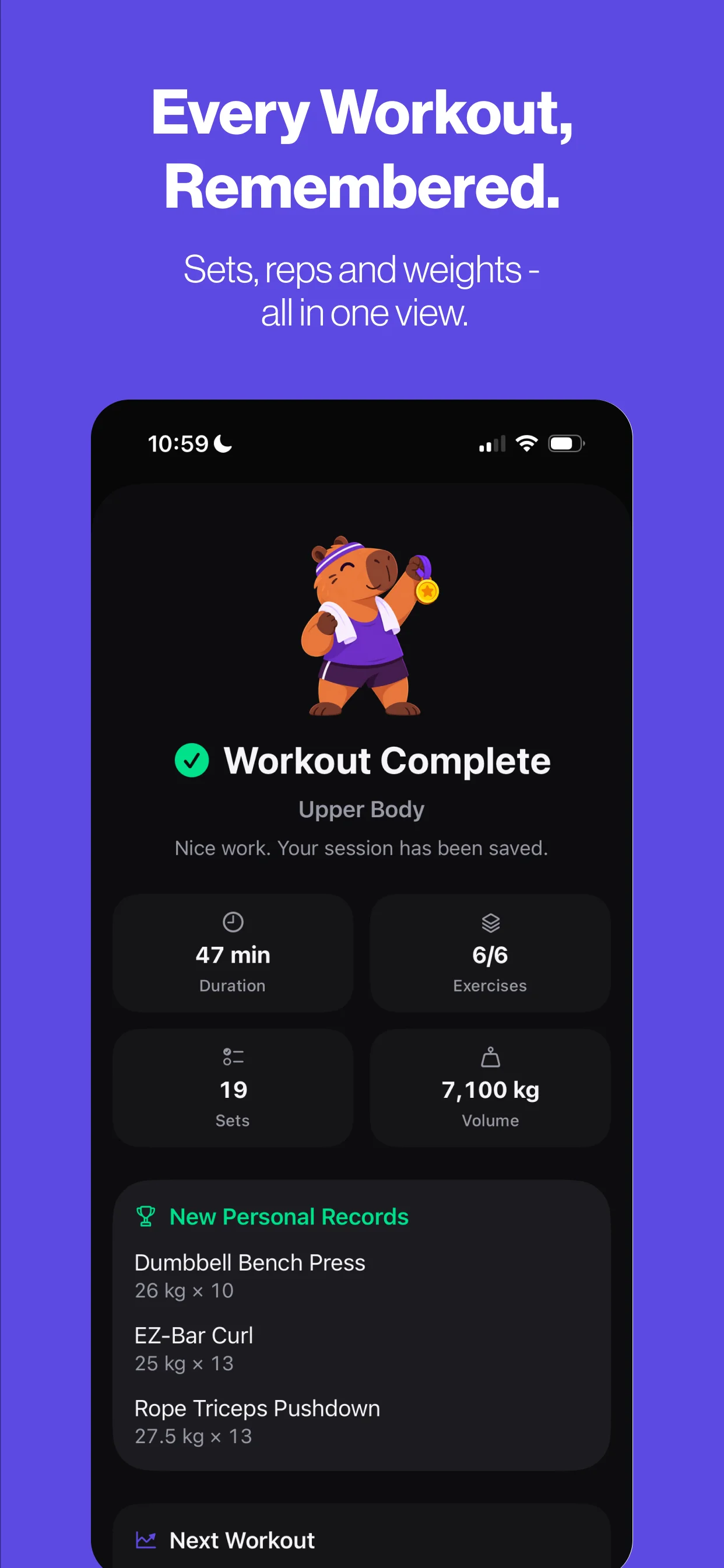
Clear, calm and confident. One brand purple carries actions and highlights across soft light and deep dark surfaces. Layouts follow a 4-column grid with 16 pt margins, an 8 pt spacing rhythm and 12, 20 and 28 pt corner radii. A friendly mascot appears at key moments, such as finishing a workout and the launch visuals, adding warmth without crowding the training screens.
07Final product
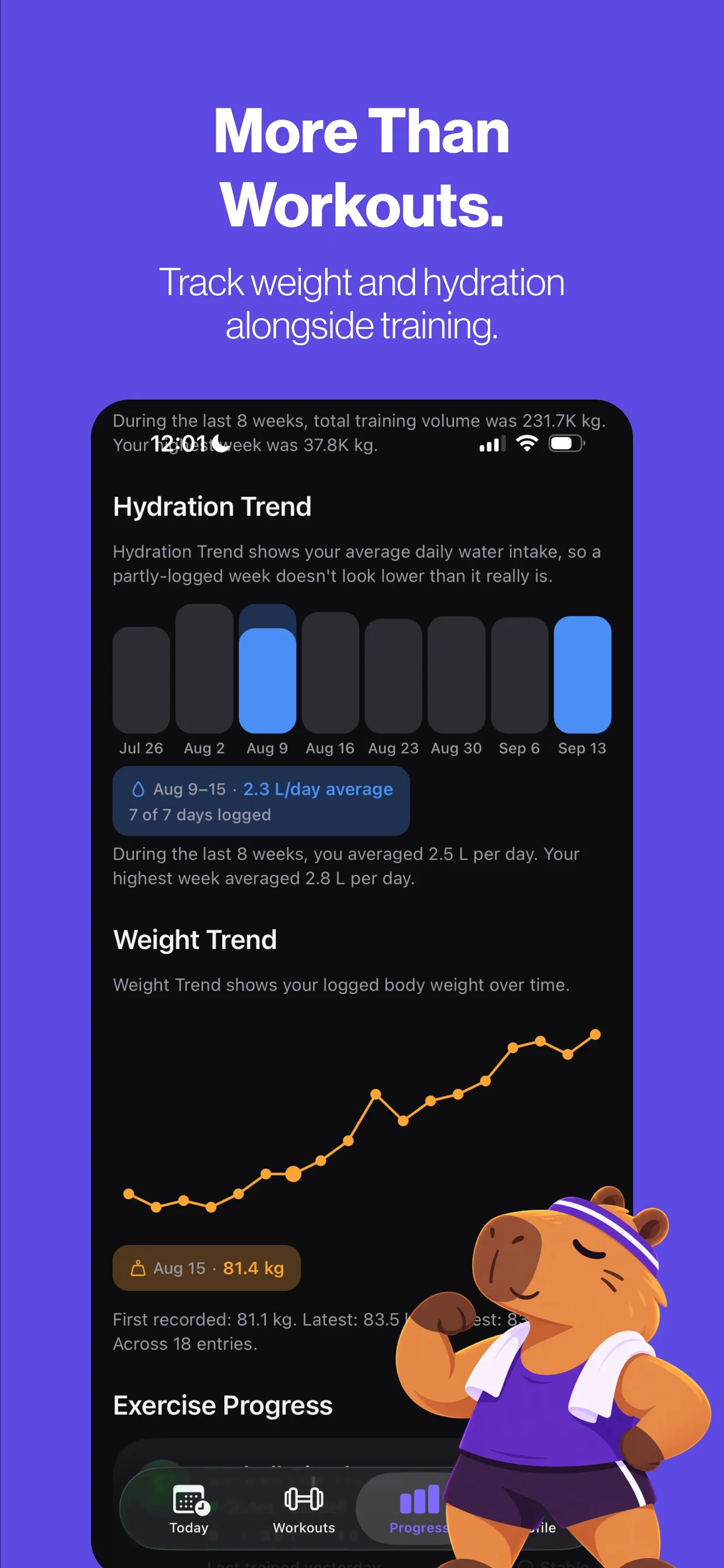
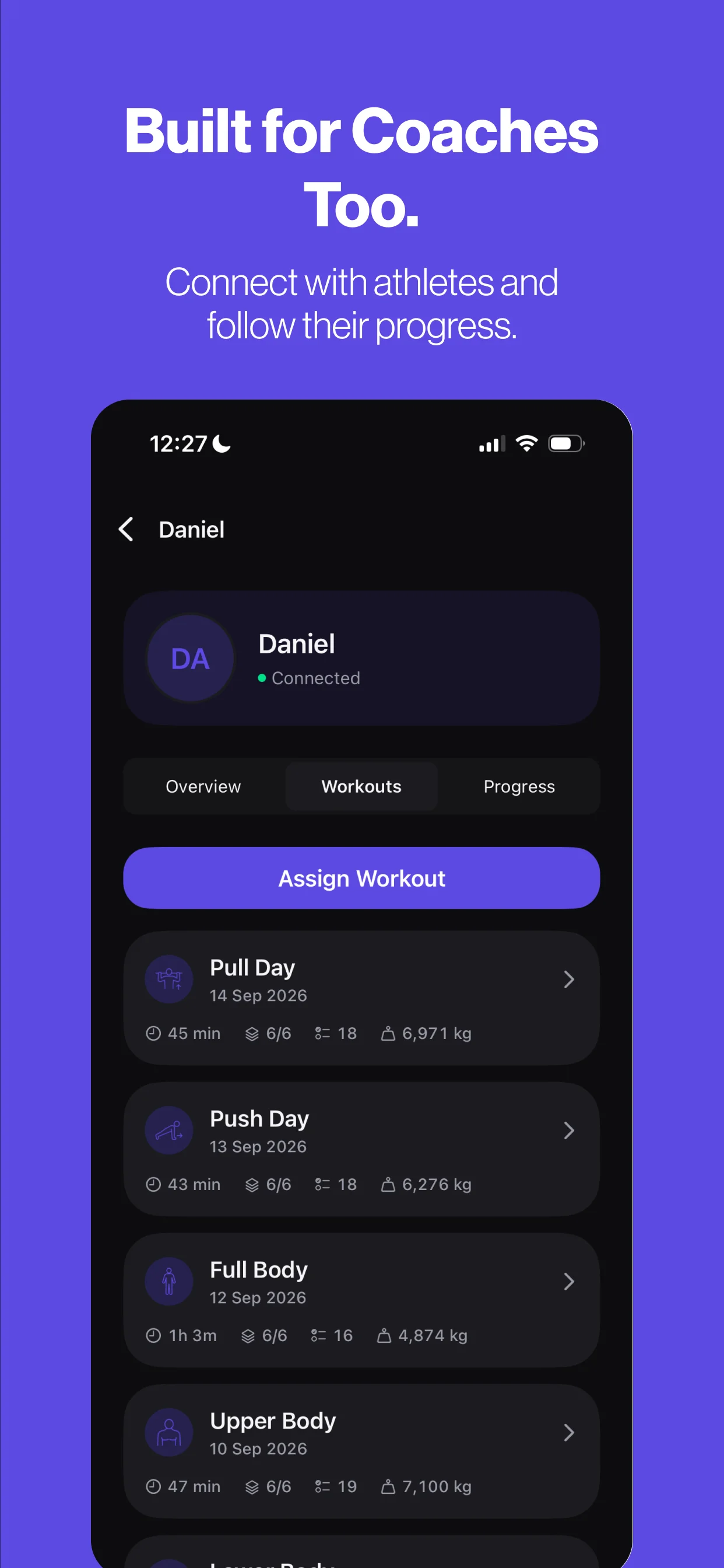
GymFlow is live on the App Store as a free iPhone app, with GymFlow Pro for additional progress and training features. It covers the full loop: a Today dashboard, workouts and templates, logging for sets, reps, weights, durations and distances, a rest timer, detailed workout history, progress and personal records, plus body-weight and hydration tracking. Version 1.1 added Coach Mode: coaches connect with athletes, follow their progress and history, and assign workouts that are clearly marked in the athlete’s app.
App screens

Brand & launch
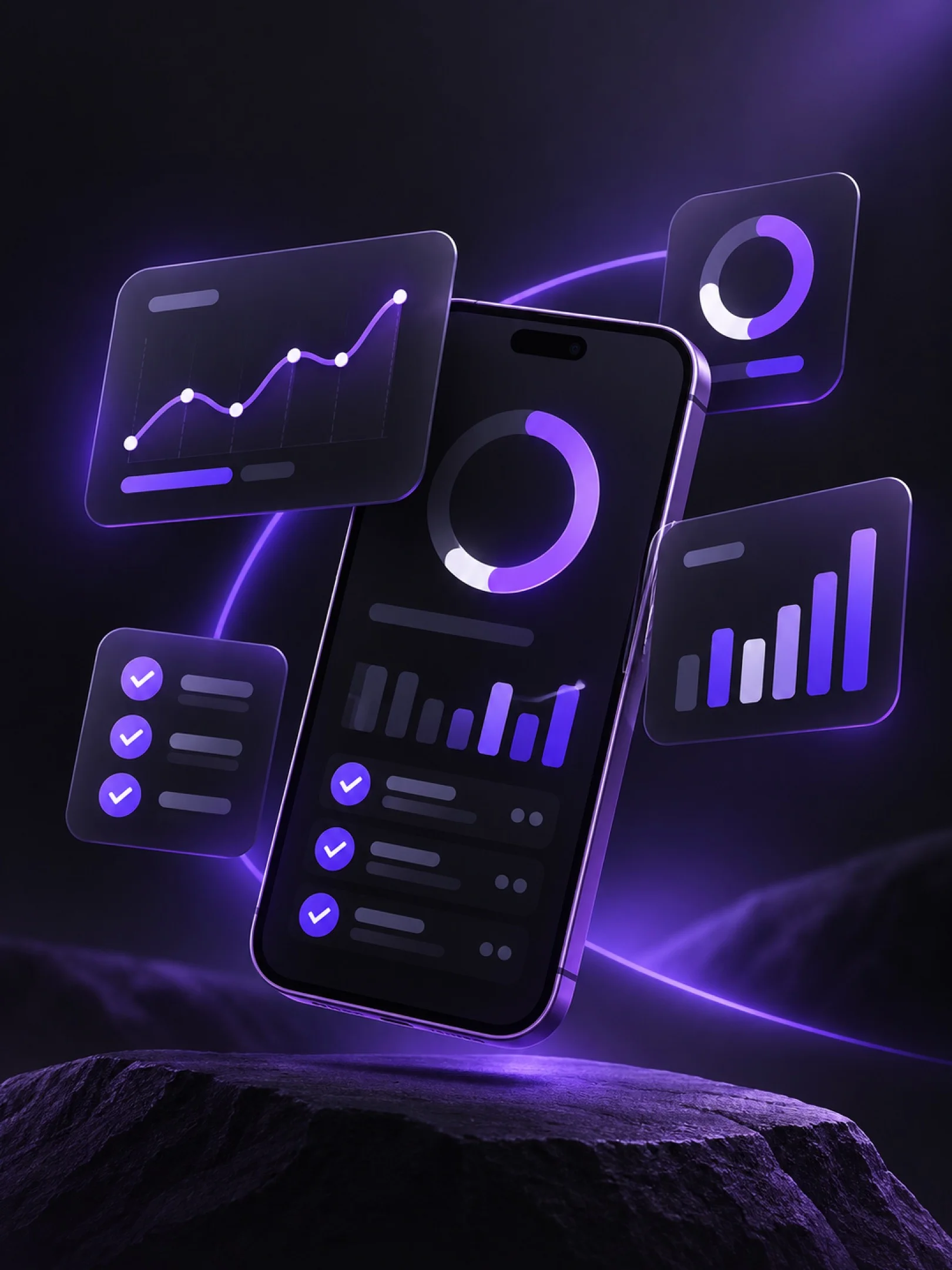
Launch visuals for the App Store and Instagram. The photographic and 3D scenes are AI-generated campaign imagery.